How to Turn One Long Video Into Shorts With AI
Turn one long video into shorts with AI: find the best moments, reframe to vertical, add captions and hooks, and post clips to TikTok, Reels and Shorts.
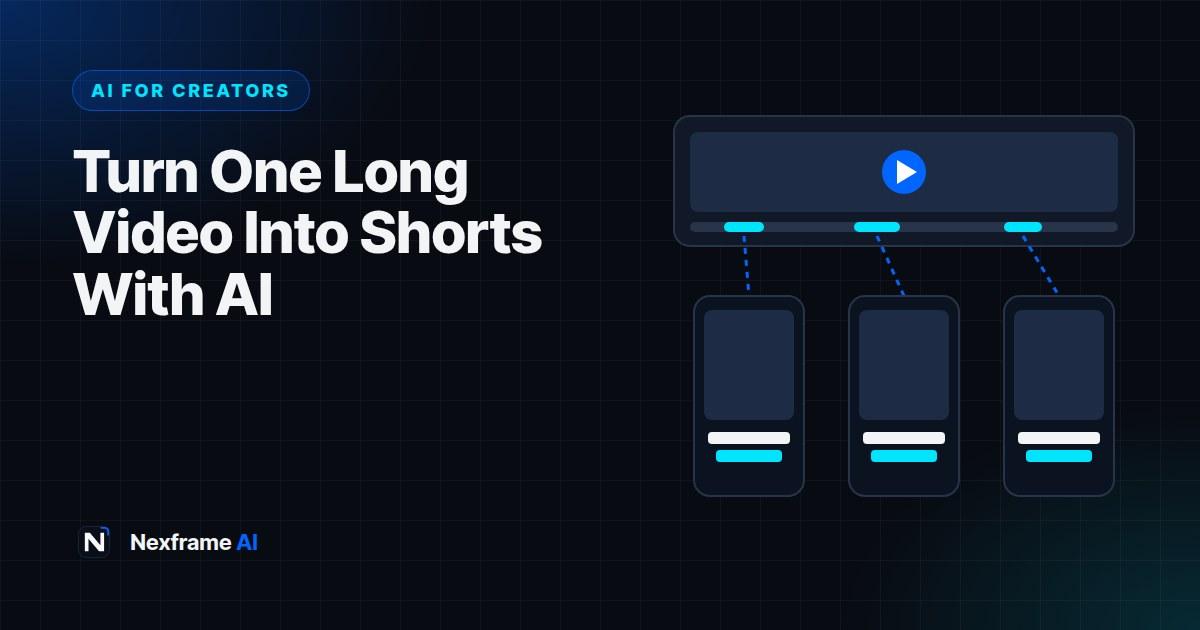
You spent a whole weekend recording and editing a 25-minute YouTube video, a podcast episode or a webinar. It goes live, gets a few hundred views and quietly disappears. Meanwhile, a 40-second clip from someone else's podcast is everywhere on your feed.
The lesson isn't that long content is pointless. It's that most people never see it unless short clips lead them there. One good long video can contain ten or more short, self-contained moments that work on TikTok, Instagram Reels and YouTube Shorts, each one a doorway back to your full content.
Cutting those clips by hand used to take hours. AI clipping tools now find the strongest moments, reframe them to vertical, add captions and suggest hooks in minutes. This guide shows you how to turn one long video into shorts with AI, how to choose the right moments, how to edit clips so they actually perform, and how to build a repurposing routine you can repeat every week.
Why Repurposing Works
One recording, many chances. Each short is a new attempt at reaching viewers. If one clip takes off, it brings people back to your channel.
Different platforms, different audiences. The people watching Reels aren't always the people watching YouTube. Repurposing lets the same idea reach all of them.
Consistency without burnout. Posting daily is exhausting if every video is made from scratch. Ten clips from one recording can cover two weeks.
Short clips test ideas. If a clip about one topic performs strongly, that's a signal to make a full video on it.
Repurposing works best for content with lots of talking and ideas: podcasts, interviews, tutorials, webinars, livestreams, lectures and commentary videos.
What Makes a Good Short Clip
Not every 60 seconds of a long video works on its own. Strong clips share these traits:
They make sense without context. A viewer who has never seen you should understand the clip from the first second.
They have a hook. A bold claim, a surprising number, a strong opinion or a question in the first two seconds.
They deliver one complete idea. A tip, a story with a punchline, a mini-explanation or a strong reaction.
They end on a payoff. The clip resolves, rather than cutting off mid-thought.
They show energy. Moments where you laughed, got passionate or said something memorable usually outperform calm explanations.
Good candidates often hide in plain sight: the answer to a great audience question, a strong disagreement in an interview, a myth you busted, or a step-by-step tip that viewers can use immediately.
How AI Clipping Tools Work
AI clipping tools analyse your video's transcript, audio and visuals to find moments likely to work as shorts. Most follow a similar process:
Transcribe the whole video.
Score moments for hooks, complete ideas, emotion and pacing.
Cut clips of a set length, often 15 to 90 seconds.
Reframe to vertical, tracking the speaker's face so they stay in frame.
Add captions, often with animated, highlighted words.
Suggest titles and hooks, and sometimes post directly to your accounts.
Popular options in 2026 include dedicated clipping tools such as Opus Clip, all-in-one editors like CapCut and Descript that include long-to-short features, and YouTube's own tools in YouTube Studio, which let you create a Short from one of your existing long videos. Features and free limits change often, so test two tools with the same video before you commit.
Step-by-Step: From One Long Video to Ten Shorts
Step 1: Record with clipping in mind
The best repurposing starts before you hit record. A few habits make clips far easier to find.
Speak in complete thoughts. Answer each question fully, as if it might be the only thing a viewer hears.
Restate the question. In interviews, repeat or rephrase the question at the start of your answer so clips make sense on their own.
Frame for vertical. Keep your face near the centre of the frame, leaving room to crop to 9:16 without cutting you off.
Get clean audio. AI captions and transcripts are only as good as your audio.
Step 2: Let AI find the candidates
Upload your video to a clipping tool and let it generate clips. Treat its suggestions as a shortlist, not the final selection. AI is good at finding moments with strong keywords and energy, but it doesn't know your audience or brand the way you do.
You can also find clips yourself with an AI assistant. Paste your transcript into ChatGPT, Claude or Gemini and ask:
Here is the transcript of my 25-minute video for [audience]. Find the 10 strongest moments
that would work as standalone 30 to 60 second clips. For each, give the start and end
timestamps, the hook line, why it works without context, and a suggested on-screen title
under 8 words.
This is especially useful when you want more control, or when your clipping tool's free plan runs out.
Step 3: Review and choose your best clips
Watch every suggested clip as if you were a stranger scrolling. Ask: Would I stop for this? Do I understand it without context? Does it end well?
Keep the strongest eight to ten. It's better to post fewer great clips than many weak ones.
Step 4: Edit each clip properly
AI gives you a rough cut. A few minutes of editing makes it perform.
Tighten the start. Cut any warm-up words so the hook lands in the first second. "So, um, I think the thing is" becomes "The thing is".
Check the framing. Make sure auto-reframing kept the speaker's face in shot, especially when two people talk.
Fix the captions. AI captions often get names, brands and local words wrong. Correct them, and keep captions clear of the bottom and right edges where platform buttons sit.
Add a text hook. A short title at the top of the screen, such as "The CV mistake that gets you rejected", tells viewers why to keep watching.
Add B-roll or zooms. Simple punch-in zooms on key words or cutaway images keep a talking-head clip visually alive.
End with a reason to follow. A quick on-screen line like "Full episode on our channel" or "Part two tomorrow" turns viewers into followers.
Step 5: Write captions and post
Write a short caption for each platform, with two to four relevant hashtags. Use AI to draft variations, then edit to sound like you:
Write three short captions for this TikTok clip about [topic]. Each under 150 characters,
conversational, ending with a question to encourage comments. Suggest three relevant hashtags.
If any clip includes realistic AI-generated visuals or an AI voice, apply the platform's AI label.
Step 6: Schedule across platforms
Spread your clips out. Posting all ten in one day wastes them. A common approach is one clip a day on each platform over ten days, or a few per week alongside other content.
Post natively to each platform rather than sharing links, and avoid uploading clips with another platform's watermark, which some platforms show less often.
The Content Creation Workflows include scheduling routines, and our guide to creating 30 days of content in one weekend shows how to batch your whole calendar.
A Worked Example: A 30-Minute Podcast Episode
A careers podcast records a 30-minute episode on "How to get your first job after graduation". Here's how it becomes ten clips.
AI suggestions: The clipping tool proposes 18 clips. The host also runs the transcript through an AI assistant, which highlights a few moments the tool missed.
Selection: The host keeps ten, including a myth about CV length, a story about failing six interviews, a quick tip on following up after applying, and a strong opinion on unpaid internships.
Editing: Each clip gets a tighter start, corrected captions and a text hook. The interview clips are reframed so the speaker is always visible.
Publishing: One clip a day across TikTok, Reels and Shorts for ten days, each ending with "Full episode on YouTube".
Result: Two clips perform far better than the rest. The host notices both are about CV mistakes, and plans a full episode on that topic. They also link viewers to a free tool that fits, such as the ATS checker.
Measuring What Works
Repurposing gets better every week if you measure it.
Look at retention, not just views. A clip with fewer views but high watch time often tells you more about what your audience values.
Compare hooks. Note which opening lines kept people watching. Reuse those patterns.
Track topics. If clips on one topic consistently outperform others, make more long content on it.
Watch for follows and clicks. The real goal is growing your audience and sending viewers to your long content, products or links.
Keep a simple log of each clip: topic, hook, platform, views, watch time and follows. After a month, the patterns are usually obvious.
Common Mistakes to Avoid
Posting every AI suggestion. Quality beats quantity. Review every clip yourself.
Clips that need context. If the clip starts with "As I said earlier", it won't work on its own.
Bad framing. Auto-reframing sometimes crops off faces or text. Always check.
Uncorrected captions. Wrong words in captions look careless and can change your meaning.
The same caption everywhere. Adjust captions and hashtags for each platform's audience.
Forgetting the call to action. Tell viewers where the full video is, or what to do next.
Writing Hooks for Your Clips
The first two seconds decide whether a clip gets watched. Long videos often start slowly, so clips need a stronger opening than the original.
Start mid-thought. Cut straight to the most interesting sentence. If you said "So the biggest mistake I see is sending the same CV everywhere", start at "The biggest mistake".
Add a text hook on screen. A short line at the top, such as "Stop doing this on your CV", tells viewers what they'll get before you've said a word.
Lead with a number or result. "I applied to 50 jobs and got 3 interviews. Here's what changed."
Use a strong opinion. "Unpaid internships are a trap. Here's why." Make sure the clip backs it up.
Ask the viewer a question. "Is your CV being read by a robot?" works when the clip answers it.
AI can help you write several hook options for each clip:
Here's the transcript of a 45-second clip: [paste]. Write five on-screen hook lines under
8 words each, and tell me which sentence in the clip would make the strongest opening.
Don't promise anything the clip doesn't deliver.
Test different hook styles across your clips and note which ones keep people watching past three seconds.
Final Thoughts
When you turn one long video into shorts with AI, every recording works harder. AI handles the slow parts, such as transcribing, finding moments, reframing and captioning, so you can focus on choosing the best clips and making them shine.
Record with clipping in mind, let AI suggest candidates, choose the strongest, edit each one properly and spread them across platforms. Then measure what works and feed it back into your long content.
If some of your clips use AI narration, our guide to AI voiceovers for TikTok and YouTube covers the rules. And when your long videos need better packaging, see our guide to AI YouTube thumbnails and titles.
Frequently Asked Questions
How many shorts can I get from one long video?
It depends on the content. A 20 to 30 minute talking video often has 8 to 15 usable moments. Interviews, podcasts and tutorials tend to produce more than scripted videos.
What's the best AI tool to turn videos into shorts?
Dedicated clipping tools like Opus Clip, editors like CapCut and Descript, and YouTube's own Shorts creation tools all work. Test two with the same video, since quality and free limits vary.
How long should each short clip be?
Most clips work best at 20 to 60 seconds. Make each clip as long as the idea needs. A tight 30-second clip usually beats a padded 90-second one.
Can I post the same clip on TikTok, Reels and Shorts?
Yes. Upload each clip natively to every platform, without another platform's watermark, and adjust the caption and hashtags for each audience.
Do I need to edit AI-generated clips?
Yes, at least briefly. Tighten the start, fix captions, check framing and add a text hook. These small edits make a big difference to retention.
Can I repurpose other people's videos?
Only with permission. Clipping someone else's content without a licence can break copyright rules and platform policies. Repurpose your own content, or content you have the rights to use.
How often should I post clips?
One clip a day per platform is a common rhythm. Spread clips over one to two weeks rather than posting them all at once.
Will repurposed clips hurt my channel?
Not if they add value and aren't duplicates of the same clip. Varied, well-edited clips that lead viewers to your long content usually help growth.
Comments (0)
Sign in to post a comment.
- Be the first to comment.