Build Your First App With an AI API: A Beginner Guide
Build your first app with an AI API: keys, tokens and costs, your first request, streaming, structured JSON output and how to ship a small useful feature.
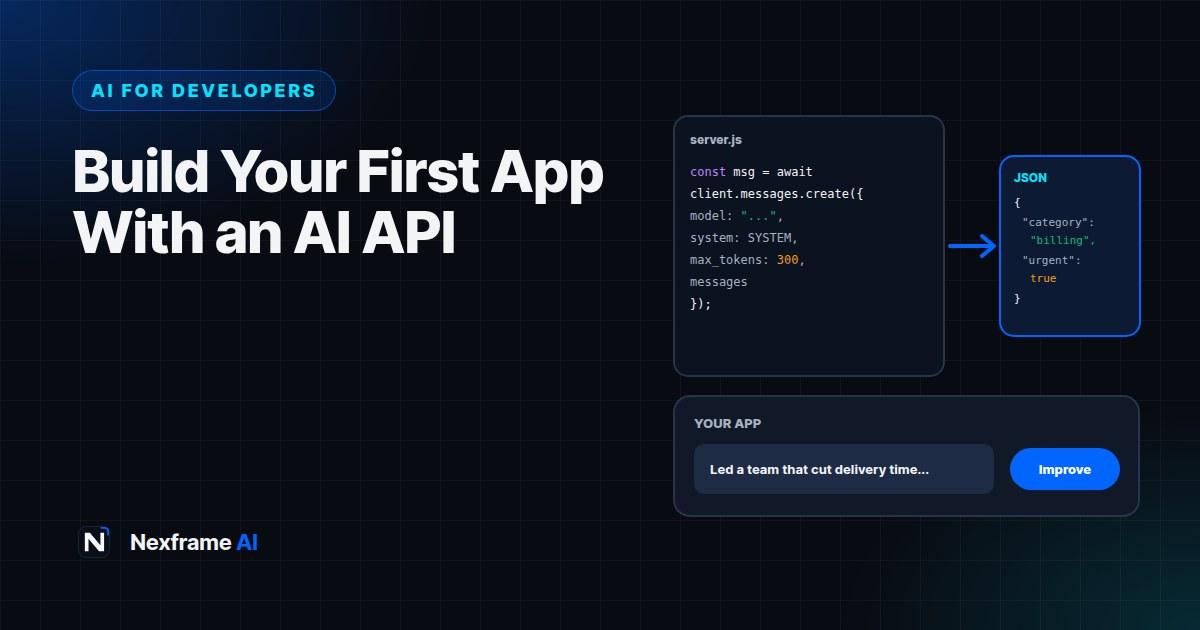
Using ChatGPT or Claude in a browser is one thing. Putting AI inside your own app, so your users get smart features without ever leaving your product, is another. That's where AI APIs come in.
With an API, your code sends text (and sometimes images or files) to a model and gets a response back. That simple loop powers features like summarising documents, improving CV bullet points, answering customer questions, categorising support tickets and generating product descriptions.
It's easier than most developers expect, but there are a few things to get right: keeping your API key safe, understanding tokens and costs, handling responses properly, streaming for a better user experience and getting reliable structured data back. This guide walks you through building your first app with an AI API, step by step, with a real example you can adapt.
How an AI API Works
Every major AI provider, including Anthropic (Claude), OpenAI and Google (Gemini), offers an API that works in broadly the same way:
Your server sends a request with a model name, instructions and the user's input.
The provider's model processes it.
You receive a response, usually text, which your app displays or uses.
You pay based on how much text goes in and comes out, measured in tokens. A token is a chunk of text, roughly three-quarters of a word in English on average. Both your input (instructions plus user content) and the model's output count.
Step 1: Get an API Key and Keep It Safe
Create an account with your chosen provider, add billing details and generate an API key. Then treat that key like a password:
Store it in an environment variable, never in your code.
Never put it in front-end code. Anything in a browser or mobile app can be extracted by users. All AI calls should go through your own server or backend function.
Never commit it to Git. Add your
.envfile to.gitignore.Set spending limits in the provider's dashboard so a bug or abuse can't run up a huge bill.
Rotate it immediately if it's ever exposed.
# .env (never commit this file)
ANTHROPIC_API_KEY=your-key-here
Step 2: Make Your First Request
Here's a minimal example in Node.js using Anthropic's SDK. Other providers' SDKs look very similar.
npm install @anthropic-ai/sdkimport Anthropic from "@anthropic-ai/sdk";
const client = new Anthropic(); // reads ANTHROPIC_API_KEY from the environment
const message = await client.messages.create({
model: "claude-sonnet-5-5",
max_tokens: 500,
system: "You are a helpful assistant that explains things simply.",
messages: [
{ role: "user", content: "Explain what an API is in two sentences." }
],
});
console.log(message.content[0].text);Three parts matter:
The model. Providers offer several models. Larger models are more capable and cost more; smaller ones are faster and cheaper. Check your provider's current model list and pick the smallest model that does your task well.
The system prompt. Standing instructions that shape every response: the role, tone, format and rules.
max_tokens. The maximum length of the response. It controls cost and stops runaway outputs.
Step 3: Build a Real Feature
Let's build something useful: a CV bullet point improver. The user pastes a weak bullet point, and the app returns a stronger version plus a short explanation.
const SYSTEM = `You improve CV bullet points for job seekers.
Rules:
- Start with a strong action verb.
- Keep it to one line, under 25 words.
- Include a result or number ONLY if the user provided one. Never invent numbers.
- Use British English.`;

export async function improveBullet(bullet) {
  const message = await client.messages.create({
    model: "claude-sonnet-5-5",
    max_tokens: 300,
    system: SYSTEM,
    messages: [{ role: "user", content: `Improve this bullet point: ${bullet}` }],
  });
  return message.content[0].text;
}
Notice the rule about not inventing numbers. Writing clear rules for what the model must not do is one of the most important skills in building AI features. For a production version of this idea, see how Nexframe Resume handles CV writing.
Step 4: Get Structured Output You Can Trust
For many features, you don't want free text. You want data your code can use: a category, a score, a list of fields. Ask for JSON and validate it.
const SYSTEM = `Classify customer support messages.
Return ONLY valid JSON, no extra text, in this shape:
{"category": "billing" | "delivery" | "product" | "other",
 "urgent": true | false,
 "summary": "one sentence"}`;
Then parse and validate the result before using it:
import { z } from "zod";

const Ticket = z.object({
  category: z.enum(["billing", "delivery", "product", "other"]),
  urgent: z.boolean(),
  summary: z.string().max(200),
});

function parseTicket(text) {
  try {
    return Ticket.parse(JSON.parse(text));
  } catch {
    return null; // retry once, or fall back to manual handling
  }
}
Many providers also offer built-in structured output or tool-use features that make JSON more reliable. Check your provider's documentation; they're worth using once you're comfortable with the basics.
Step 5: Stream Responses for a Better Experience
Longer responses can take several seconds. Instead of making users stare at a spinner, stream the text as it's generated, so words appear progressively, like in ChatGPT.
const stream = client.messages.stream({
  model: "claude-sonnet-5-5",
  max_tokens: 800,
  messages: [{ role: "user", content: userInput }],
});

for await (const event of stream) {
  if (event.type === "content_block_delta" && event.delta.type === "text_delta") {
    process.stdout.write(event.delta.text); // in a web app, send this to the browser
  }
}
In a web app, your server forwards these chunks to the browser using server-sent events or a streaming response, and the UI appends text as it arrives. Most web frameworks have helpers for this.
Step 6: Understand and Control Costs
Costs surprise beginners more than anything else. Keep them predictable:
Pick the right model. Use smaller, cheaper models for simple tasks like classification. Save the most capable models for complex reasoning.
Keep prompts lean. Long system prompts and large documents are sent with every request. Trim what isn't needed.
Limit output length. Set sensible max_tokens values.
Cache where possible. If many users ask the same thing, store and reuse answers. Some providers also offer prompt caching discounts for repeated instructions.
Rate-limit users. Cap how many requests each user can make per minute or day, to prevent abuse.
Monitor usage. Log token counts per request and check your provider's usage dashboard weekly.
A quick way to estimate: multiply your average tokens per request by expected requests per day, then apply your provider's current per-token prices. Plan for exchange-rate swings if you're billing users in naira but paying in dollars.
Step 7: Handle Errors Gracefully
APIs sometimes fail: rate limits, timeouts, overloaded servers or network issues. Build for it:
Retry with backoff for temporary errors, waiting a little longer each time.
Set timeouts so requests don't hang forever.
Show friendly messages like "This is taking longer than usual, please try again".
Have a fallback, such as saving the request to process later.
Log errors with enough detail to debug, without logging sensitive user data.
Most official SDKs include automatic retries for common errors; check the defaults and adjust them.
Test Before You Ship
AI responses vary, so test differently from normal code:
Build a test set. Collect 20 to 50 realistic inputs, including tricky and edge cases, and check the outputs.
Check rules, not exact wording. Test that outputs follow your rules: valid JSON, no invented numbers, correct length.
Test bad inputs. Empty text, very long text, other languages and attempts to make the model ignore its instructions.
Re-test when you change prompts or models. Small changes can have big effects.
Security deserves its own attention, especially prompt injection, where users try to override your instructions. Our guide to securing AI features in your app covers this in depth.
Common Mistakes to Avoid
API keys in front-end code. Always call AI APIs from your server.
No spending limits. Set them before you launch.
Trusting raw output. Validate structured data and sanitise anything you display.
Using the biggest model for everything. Match the model to the task.
No error handling. APIs will fail sometimes; plan for it.
Vague system prompts. Clear rules produce consistent results.
Prompt Basics for Developers
The system prompt is where most of your feature's behaviour lives. A few patterns make prompts more reliable.
Structure the system prompt. Use clear sections: role, task, rules, output format and examples.
Role: You write product descriptions for a Nigerian online fashion store.
Task: Turn the product details provided into a short description.
Rules:
- 60 to 90 words. British English.
- Only use details provided. Never invent materials, sizes or claims.
- No prices in the description.
Output: Plain text, one paragraph, then 3 bullet points of key features.
Show examples. One or two good input and output examples, often called few-shot examples, improve consistency more than long explanations.
Put rules before content. State instructions first, then the user's data, clearly labelled.
Say what to do when unsure. "If the details are insufficient, reply with: NEED_MORE_INFO" gives your code something predictable to handle.
Version your prompts. Store prompts in your codebase with your other code, not scattered in strings, so you can track changes and test them.
Measure changes. When you edit a prompt, run your test set again and compare results before shipping.
You can draft and refine prompts with AI help too. The free AI Prompt Improver turns rough instructions into clearer ones, which you can then adapt for your system prompt.
Finally, keep your users in mind. The best AI features feel simple: one clear input, a fast, useful output and an easy way to edit or retry. Design the experience around what the user is trying to do, and let the AI work quietly behind it.
Final Thoughts
Building your first app with an AI API is mostly about getting a few fundamentals right: a safe API key on your server, a clear system prompt, structured output you validate, streaming for long responses, and costs and errors under control. Get those right and you can add genuinely useful AI features to almost any product.
Start small. Pick one feature that saves your users real time, build it with the steps above, test it on realistic inputs and ship it. Then improve it based on how people actually use it.
When you want your feature to answer questions from your own documents, read our guide to RAG for beginners. If you're using a coding agent to build it, our guide to writing AGENTS.md will help it follow your project's conventions. And for step-by-step routines, see the Coding Workflows.
Frequently Asked Questions
Which AI API should I start with?
Anthropic, OpenAI and Google all offer capable APIs that work in similar ways. Pick one, build your first feature, and compare others later if cost or quality matters for your use case.
How much does an AI API cost?
You pay per token for input and output, and prices vary by model. Small models can cost a fraction of larger ones. Check current pricing and set spending limits.
Can I call an AI API from the browser?
You shouldn't, because your API key would be exposed. Route requests through your own server or backend function.
What is a token?
A chunk of text that models process, roughly three-quarters of a word in English on average. Both input and output tokens count towards cost.
How do I get JSON from an AI API reliably?
Ask clearly for JSON in a defined shape, use your provider's structured output features if available, then parse and validate the result before using it.
What is streaming?
Sending the model's response to the user piece by piece as it's generated, so they see text appear immediately instead of waiting for the whole response.
Do I need machine learning knowledge to use AI APIs?
No. If you can make HTTP requests or use an SDK, you can build AI features. Prompt design, testing and security matter more than ML theory.
How do I stop users abusing my AI feature?
Require sign-in where appropriate, rate-limit requests per user, cap input and output length, set provider spending limits and monitor unusual usage.
Comments (0)
Sign in to post a comment.
- Be the first to comment.