
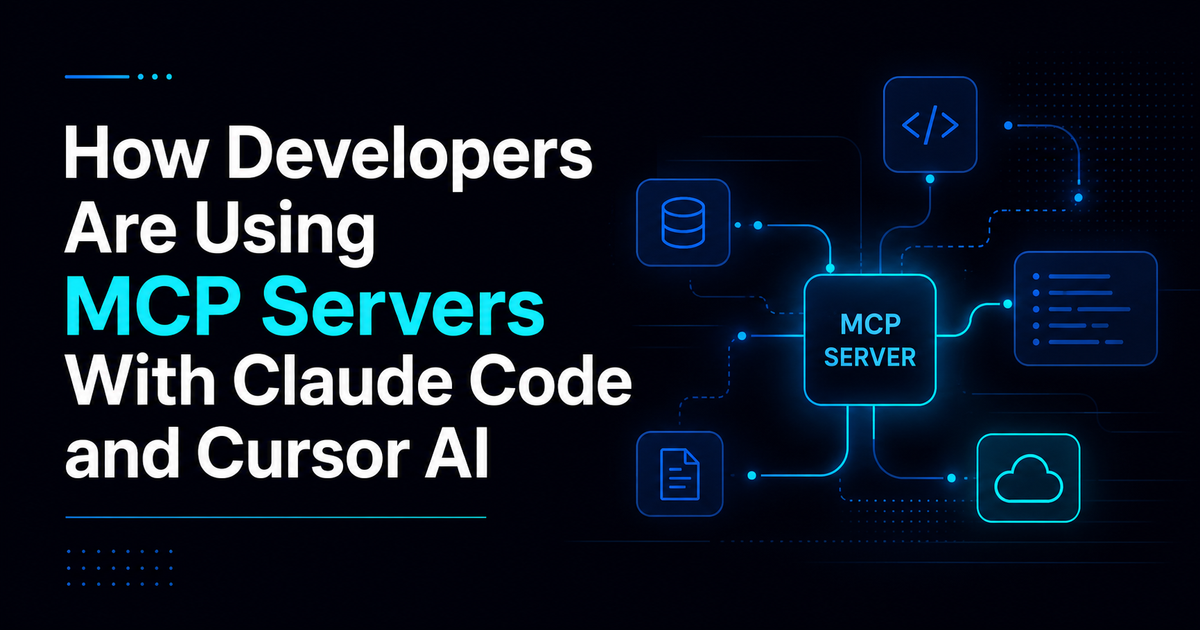
How Developers Are Using MCP Servers With Claude Code and Cursor AI
Model Context Protocol is changing how developers work with AI assistants. This guide breaks down how Claude Code and Cursor AI use MCP servers to pull real context from docs, databases, and repositories, and what to watch out for before connecting your own systems.
Writing code has always been the easy part to talk about, but most developers actually spend their time somewhere else, digging through documentation, checking logs, and piecing together context from a dozen different tabs. AI coding assistants helped with the writing itself, but they still hit a wall the moment they needed information that lived outside the current chat. That wall is exactly what Model Context Protocol, or MCP, was built to remove. In this guide, you will learn what MCP actually does, how developers are using it with Claude Code and Cursor AI right now, and what to watch out for before connecting it to your own systems. If you have felt the drag of constantly switching between your AI assistant and everything else you rely on, from documentation tabs to database dashboards, this shift matters directly to how you work and how much time you get back in a normal week.
What MCP Servers Actually Are
Model Context Protocol, usually just called MCP, is an open standard that lets AI assistants connect to external tools and data sources instead of relying only on what gets typed into a chat window. Rather than copying documentation or database results into a prompt by hand, developers can link an assistant directly to the systems that already hold that information.
An MCP server sits between the AI assistant and the tools developers use every day. That might mean a documentation site, a database, a Git repository, a set of internal files, or a cloud service. Once connected, the assistant can pull from these sources on its own instead of waiting for a person to paste in the details.
This idea fits naturally with tools built for deeper reasoning rather than simple autocomplete. If you want more background on that style of AI assistant, this piece on what agentic coding really means explains how tools that act on multi step goals differ from ones that just respond to a single prompt.
Why Developers Started Paying Attention
Most AI assisted coding used to involve a lot of back and forth. A developer would search documentation, check a database, look through logs, test an API response, then return to the AI assistant and explain what they found before getting help.
That constant switching between tools eats time and breaks concentration. MCP removes a lot of that friction by letting the AI pull information directly from connected systems instead of waiting to be told about it.
For teams comparing different coding assistants, this connectivity has become one of the more meaningful differences between tools. A broader look at how these assistants stack up against each other, including where MCP fits into the picture, is covered in this comparison of Cursor AI, GitHub Copilot, and Claude Code.
How Claude Code Uses MCP Servers
Claude Code pairs especially well with MCP because of its large context window and its strength at reasoning through problems rather than just generating quick suggestions.
When connected to documentation through an MCP server, Claude Code can pull answers directly from framework docs, internal wikis, and API references, so developers stop pasting long documentation into their prompts just to get a straight answer.
Database connections open up a different kind of usefulness. Instead of only writing queries, Claude Code can look at the results and explain what they likely mean, such as why certain records are missing information or why a batch of transactions failed.
Git integration adds another layer. With access to a repository through MCP, Claude Code can explain unfamiliar parts of a codebase, review pull requests, summarize commits, and suggest improvements based on the actual structure of the project rather than a small snippet pasted into chat.
How Cursor AI Uses MCP Servers
Cursor AI already leans heavily on project wide context, so MCP tends to extend a strength it already has rather than filling a gap.
With access to configuration files, git history, and internal documentation through MCP, Cursor AI can build a much fuller picture of a large project instead of only understanding the file currently open.
API development is another strong use case. Developers can ask direct questions like which endpoint handles a specific action or why a request keeps failing, and Cursor AI pulls the relevant documentation to answer instead of requiring a manual search.
Debugging benefits the most from this setup. When Cursor AI has access to logs, error reports, and monitoring data through MCP, it can investigate an issue using real system behavior instead of guessing based on source code alone. For a deeper look at structuring that kind of debugging process well, this guide on debugging like a detective with clear repro steps, test cases, and root cause analysis walks through a method that pairs nicely with this kind of AI assisted investigation.
Common Ways Teams Are Using MCP
GitHub integration is one of the most popular starting points, letting an assistant review repositories, explain pull requests, and generate summaries automatically.
Documentation search is another common use case, connecting internal wikis, framework references, and API docs so developers stop hunting through multiple tabs for an answer.
Database access lets an assistant inspect and analyze records without a developer writing every query by hand, which speeds up everything from reporting to troubleshooting.
File system access allows an assistant to read files, search directories, and understand a project's structure well enough to generate code that actually fits the existing codebase.
Monitoring and observability tools round things out, giving assistants the ability to flag infrastructure issues, unusual behavior, and performance bottlenecks before they turn into bigger problems.
Benefits of Connecting AI Assistants to MCP
The clearest benefit is better context. Assistants stop being limited to whatever fits inside a single chat window and start working with real, current information.
Reduced context switching follows closely behind. Developers spend less time jumping between tabs and tools just to gather information the AI could have pulled on its own.
Productivity improves as a natural result. Routine research and lookup work gets faster, which frees up time for the harder problems that actually need a person's attention.
Perhaps most importantly, the AI starts behaving less like a simple code generator and more like an actual development partner that understands the systems it is working within.
Challenges Worth Considering
Security sits at the top of the list. Giving an AI assistant access to databases or internal systems means access controls and permissions need real thought before anything goes live.
Setup adds complexity too. Connecting an MCP server properly takes configuration and ongoing maintenance, which is a real cost even if the long term payoff is worth it.
Reliability can also be a concern. A poorly configured integration can feed an assistant bad or incomplete information, which leads to confident sounding answers that are simply wrong.
Privacy needs clear rules as well. Teams should decide up front exactly what an AI assistant is allowed to see and make sure that boundary gets enforced consistently.
Best Practices For Getting Started
Start with a single, low risk connection, such as documentation search, before moving on to anything involving sensitive data like production databases.
Set clear access boundaries from day one. Decide exactly what the assistant can read, and just as importantly, what it cannot touch.
Test thoroughly before rolling anything out to a full team. A quick pilot with one or two developers reveals gaps that are much easier to fix early than after wide adoption.
Keep a human reviewing anything customer facing or high stakes, at least until the setup has proven itself reliable over time.
Where MCP Is Headed
Many developers already see MCP as one of the more important shifts happening in AI assisted development right now, since it moves assistants away from being standalone chat tools and into a real ecosystem of connected systems.
As support for MCP keeps growing across different platforms, expect assistants to handle more of the research and information gathering work automatically, leaving developers with more time for the actual building and problem solving.
The teams adopting this early, carefully and with clear boundaries in place, are likely to be the ones setting the pace for how AI assisted development looks over the next few years.
Final Thoughts
MCP is still early, but the direction is already clear. Developers using Claude Code and Cursor AI are finding that connecting their assistants to documentation, databases, and repositories unlocks workflows that felt clunky or impossible before.
The teams getting the most value are not the ones connecting everything at once. They are the ones starting with a single low risk integration, learning how it behaves, and expanding access carefully as trust builds.
If you take one step from this, pick the tool you switch to most often while coding, whether that is documentation, logs, or a database, and look into connecting it through MCP before adding anything more complex to your setup.
Frequently Asked Questions
What is MCP in simple terms? Model Context Protocol is an open standard that lets AI assistants connect directly to external tools like databases, documentation, and code repositories instead of relying only on what is typed into a chat window.
Which AI coding tools support MCP right now? Claude Code and Cursor AI are among the tools actively building around MCP, and support continues to expand across other platforms as adoption grows.
Does using MCP require advanced technical skills? Basic setups like connecting documentation are fairly approachable, but anything involving databases or internal systems benefits from careful configuration and some technical planning.
Is it safe to connect an AI assistant to a production database? It can be, as long as access controls, permissions, and clear boundaries are set up in advance. Starting with read only access is a common way to reduce risk early on.
How is MCP different from just pasting information into a prompt? Pasting information is manual and one time. MCP gives the assistant ongoing, structured access to a system, so it can pull current information on its own without a developer copying anything over.
Is MCP only relevant for developers? Developers are leading adoption right now, but the underlying idea, giving AI systems structured access to external tools, applies to plenty of other fields that rely on connected data and systems.
Comments (0)
Sign in to post a comment.
- Be the first to comment.