AI Policy for Small Businesses: A Free Template Guide
Write an AI policy for your small business: approved tools, what staff can't paste into AI, customer data, checking outputs and a simple template to adapt.
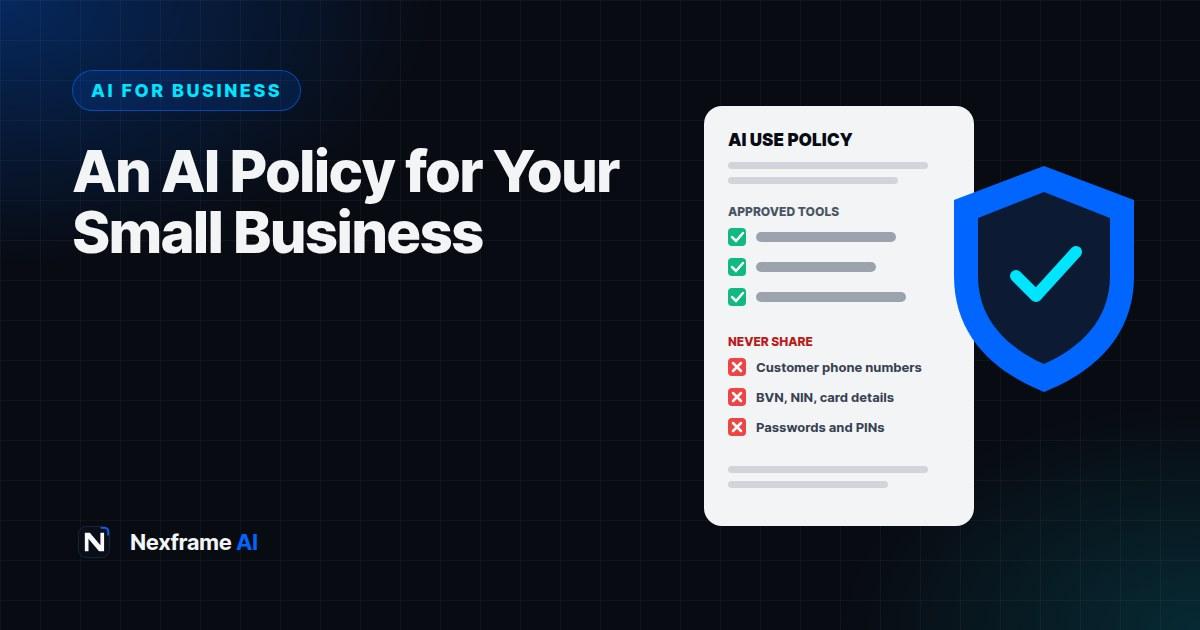
Your staff are almost certainly using AI already. The sales assistant drafts customer replies with ChatGPT. Your accountant pastes figures into an AI tool to make a summary. Someone uploads a supplier contract to ask what it means. Nobody asked permission, because nobody knew they needed to.
Most of the time, that's helpful. AI saves time and improves work. But without simple rules, it can also go wrong: customer phone numbers pasted into a public chatbot, a confidential price list shared with a tool that stores conversations, or an AI-written reply that promises a refund you don't offer.
An AI policy fixes this without banning anything useful. This guide explains why small businesses need one, what it should cover, and gives you a simple template you can adapt in an afternoon, with tips on rolling it out so staff actually follow it.
Why a Small Business Needs an AI Policy
You don't need to be a big company to need rules. In fact, small businesses are often more exposed, because one mistake can damage a reputation that took years to build.
An AI policy helps you:
Protect customer data. Personal details shared with the wrong tool can break data protection rules and customers' trust.
Protect your business information. Prices, supplier terms, plans and financial records are valuable. Some AI tools may store or use what you type, depending on their settings.
Keep quality high. AI can produce confident mistakes. Clear rules on checking outputs stop errors reaching customers.
Stay legal. In Nigeria, the Nigeria Data Protection Act sets rules for collecting and processing personal data. Other countries have similar laws, and regulations on AI itself are growing.
Give staff confidence. People use AI better when they know what's allowed, rather than hiding it or avoiding it altogether.
A good policy is short, clear and practical. One or two pages is enough for most small businesses.
What Your AI Policy Should Cover
1. Purpose
One or two sentences explaining why the policy exists: to help staff use AI safely and productively, while protecting customers, the business and its reputation.
2. Approved tools
List the AI tools staff may use for work, and how. For example: "ChatGPT and Gemini on business accounts set up by the owner" or "Meta Business Agent for customer replies on our official WhatsApp". Ban unapproved tools for work data, or require permission before trying new ones.
Where possible, use business or team versions of AI tools, which often offer stronger privacy controls, and check each tool's settings for whether your conversations are used to train models. Our guide to hidden ChatGPT features covers settings like temporary chats and data controls.
3. What staff must never put into AI tools
This is the most important section. Be specific. A typical list:
Customer personal data: names with phone numbers, addresses, emails, ID numbers, BVN or NIN
Payment information: card numbers, bank login details, PINs or one-time codes
Passwords and access codes of any kind
Confidential business information: supplier contracts, unpublished prices, financial records, staff salaries
Anything a customer or partner shared in confidence
If staff need AI help with a document that contains sensitive details, they should remove or replace those details first, for example using "Customer A" instead of a real name.
4. What AI can be used for
Give clear examples of approved uses, so staff know what good use looks like:
Drafting emails, messages and social media posts
Summarising long documents that contain no sensitive data
Brainstorming ideas for marketing, products or events
Writing product descriptions
Creating first drafts of reports, plans and presentations
Explaining unfamiliar terms or processes
Building spreadsheet formulas and templates
5. Checking AI output
AI makes mistakes, so require a human to check anything before it's used:
Facts, prices and figures must be checked against your own records.
Anything sent to customers must be read by a person first, unless it comes from an approved automated system with clear limits.
Legal, financial and HR documents must be reviewed by someone qualified.
AI-generated images must not mislead customers about products.
6. Customer-facing AI
If you use AI to talk to customers, for example on WhatsApp, set rules: tell customers they're talking to an automated assistant, give it only approved information, and hand complaints and sensitive issues to a person. Our guide to AI customer service on WhatsApp covers this in detail.
7. Honesty and disclosure
Decide when you'll tell customers or partners that AI was involved, for example in automated chats, AI-generated images or AI-assisted reports. Never use AI to impersonate real people or create fake reviews.
8. Responsibility
Make it clear that the person using AI is responsible for the result. "The AI wrote it" is never an excuse for a mistake sent to a customer.
9. Reporting problems
Tell staff what to do if something goes wrong, such as accidentally pasting customer data into a tool, and who to tell. Quick reporting lets you respond before a small mistake becomes a big one.
10. Review
AI tools change fast. Review the policy every six months, or whenever you adopt a new tool.
A Simple AI Policy Template
Copy and adapt this template. Replace the brackets with your details.
[BUSINESS NAME] AI USE POLICY
Effective date: [date]. Review date: [date six months later].

1. Purpose
We use AI tools to work faster and better. This policy helps everyone use them safely,
protect our customers and business, and keep our standards high.

2. Approved tools
Staff may use these tools for work: [list]. Ask [name] before using any other AI tool
with work information.

3. Never share with AI tools
- Customer personal details (names with contact details, addresses, ID numbers, BVN, NIN)
- Card numbers, bank logins, PINs, one-time codes or passwords
- Supplier contracts, unpublished prices, financial records or staff salaries
- Anything shared with us in confidence
Remove or replace sensitive details before asking AI for help with a document.

4. Approved uses
Drafting messages and posts, summarising non-sensitive documents, brainstorming,
product descriptions, first drafts of documents, explaining terms and spreadsheet help.

5. Check before you use
A person must check AI output before it is used. Check facts, prices and figures against
our records. Anything sent to customers must be read first. Legal, financial and HR
documents must be reviewed by [name or role].

6. Customer-facing AI
Our automated assistant on [channel] tells customers it is automated, uses only approved
information, and passes complaints, refunds and unusual requests to [name or team].

7. Honesty
We never use AI to create fake reviews, impersonate real people or mislead customers.

8. Responsibility
You are responsible for any AI-assisted work you use or send.

9. Reporting problems
If you share something you shouldn't or notice an AI mistake that reached a customer,
tell [name] straight away. We'd rather know quickly than not at all.

10. Review
This policy is reviewed every six months and when we adopt new AI tools.

Signed: ____________ Date: ____________
You can ask an AI assistant to tailor it to your business:
Adapt this AI use policy for a [type of business] with [number] staff that uses [tools]
for [tasks]. Keep it under two pages, in plain English, and add any risks specific to
my type of business. Policy: [paste template].
Roll It Out So People Follow It
A policy only works if staff understand it and find it easy to follow.
Explain the why. In a short team meeting, explain that the policy is about using AI well, not banning it. Share one or two real examples of what could go wrong.
Show good examples. Demonstrate how to remove customer details from a document before asking AI for help, and how to check an AI-written reply.
Make it easy. Set up approved business accounts so staff don't need personal ones. Keep a short "do and don't" list somewhere visible, such as a pinned message in your staff WhatsApp group.
Ask for signatures. Having staff sign the policy shows it matters and confirms they've read it.
Encourage questions. Make it normal to ask "Is this OK to paste into AI?" before doing it.
Update it together. Ask staff which tools they find useful and what's confusing, and improve the policy at each review.
A Worked Example: A Small Clinic
A small private clinic with eight staff notices receptionists using a free AI chatbot to draft appointment reminders, sometimes with patients' names and conditions in the prompts.
The risk: Patient health information is highly sensitive personal data. Pasting it into a public tool could breach data protection rules and patients' trust.
The fix: The clinic manager writes a two-page AI policy using the template. Approved use: drafting reminder templates with placeholders like [Patient Name] and [Time], never real details. The clinic's appointment system fills in the real information. Clinical notes and test results are banned from all AI tools.
Rollout: A 20-minute team meeting, a demonstration of placeholder templates and signed copies for every staff member.
Result: Staff keep the time savings from AI drafting, and patient data stays inside the clinic's own systems.
Common Mistakes to Avoid
Banning AI completely. Staff often use it anyway, just secretly. Clear rules work better than bans.
Writing a long, legalistic policy. If staff can't understand it in five minutes, they won't follow it.
Being vague about sensitive data. "Be careful with data" isn't enough. List exactly what's not allowed.
Forgetting customer-facing AI. Automated chats need their own rules.
Never reviewing it. AI tools change constantly. An outdated policy quickly becomes useless.
No one in charge. Name a person responsible for the policy and for questions.
A 30-Minute Training Session for Your Team
A policy works best when staff practise it. Here's a simple session you can run in half an hour.
Minutes 0 to 5: Why it matters. Explain that AI is welcome and useful, and that the policy protects customers and the business. Share one example of what could go wrong, such as customer phone numbers ending up in a public chatbot.
Minutes 5 to 15: The "never share" list. Walk through the list together. Then show a real example: a customer message containing a name, phone number and address. Demonstrate replacing those details with placeholders before asking AI to draft a reply.
Minutes 15 to 25: Quick quiz. Read out scenarios and ask staff whether each is allowed:
Asking AI to draft a social media post about a new product. Allowed.
Pasting a customer's complaint, with their phone number, into a free chatbot. Not allowed. Remove the number first.
Asking AI to explain a supplier contract clause, after removing the supplier's name and prices. Allowed, with care.
Sending an AI-written refund reply to a customer without reading it. Not allowed. A person must check it.
Using a new AI app you found on social media for work. Ask first.
Minutes 25 to 30: Questions and signing. Answer questions, collect signatures and share where the policy is stored.
Repeat a short refresher whenever you add a new AI tool, and include the policy in onboarding for every new staff member. Our Productivity Workflows include routines for running short, regular team check-ins like this.
Final Thoughts
An AI policy for small businesses doesn't need to be complicated. A clear, two-page document that lists approved tools, bans sharing sensitive data and requires human checks protects your customers, your business and your staff, while letting everyone keep the benefits of AI.
Adapt the template, explain it to your team and review it every six months. It's one of the highest-value afternoons you'll spend this year.
If you're interested in AI governance as a career, our guide to AI careers you can start without coding covers governance and compliance roles. For practical systems to run your business with AI, browse the Business Workflows and our AI Productivity guides.
Frequently Asked Questions
Does a small business really need an AI policy?
Yes, if anyone in your business uses AI tools for work. A short policy protects customer data, business information and quality, and helps staff use AI with confidence.
What should an AI policy include?
Approved tools, what must never be shared, approved uses, rules for checking outputs, customer-facing AI rules, honesty and disclosure, responsibility, how to report problems and a review date.
Can staff use free AI tools for work?
It's your decision. Many businesses allow them for non-sensitive tasks but ban sharing customer or confidential data. Business versions of AI tools often offer stronger privacy controls.
Is it illegal to put customer data into ChatGPT?
It depends on the data, the tool, the purpose and the law where you operate. Sharing personal data without a proper basis and safeguards can breach data protection laws such as Nigeria's Data Protection Act. The safest rule is not to share customer personal data with public AI tools.
How long should an AI policy be?
One to two pages is enough for most small businesses. Keep it short and clear so staff actually read and follow it.
How often should I update my AI policy?
Review it every six months, and whenever you adopt a new AI tool or start using AI in a new way, such as customer-facing chat.
Should I tell customers when I use AI?
Yes, when it affects them directly, such as automated chat assistants or AI-generated product images. Honesty protects trust.
Who should be responsible for the AI policy?
Name one person, usually the owner or a manager, to own the policy, answer staff questions and lead the reviews.
Comments (0)
Sign in to post a comment.
- Be the first to comment.